 A Digital Alta experience
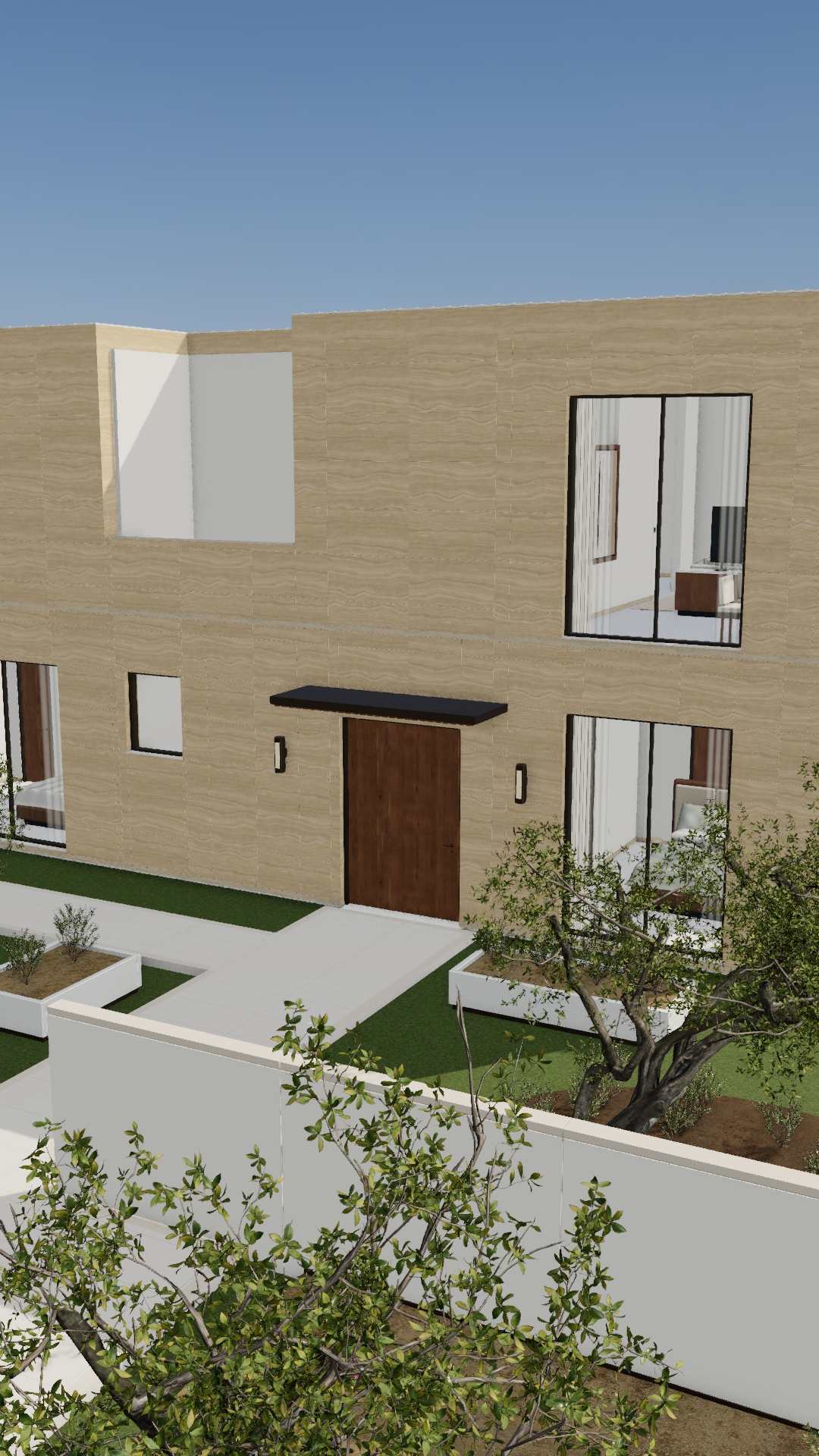
Made for a
bigger screen.
Walk through RIWAQ on your laptop or desktop. Explore the villas, interiors and community with a keyboard and mouse.
No app to install. Open the link in your desktop browser.
See the recommended setupA little preparation.
A better experience.
The full 3D walkthrough is designed for a computer, not a phone or touch-only tablet.
- Computer & screen
- A Mac or Windows laptop or desktop. A browser window of 1280 × 720 or larger is recommended.
- Memory & graphics
- 16 GB RAM recommended. Prefer an Apple silicon Mac or a Windows PC with a dedicated graphics processor.
- Browser
- Up-to-date Chrome, Edge or Safari with WebGL 2 support and hardware graphics acceleration enabled.
- Keyboard & mouse
- Use WASD or arrow keys to walk and the mouse to look. Press Escape to release the mouse.
- Connection
- A stable broadband connection for the first load. Close other demanding apps before entering.
This is a recommended setup, not a certified minimum or a frame-rate guarantee. Performance varies by device, browser and scene.
Explore at your own pace.
Choose a guided walk and press Play, or take control with keyboard and mouse. Switch to evening to see a different side of RIWAQ.